



Microsoft Office: The Ultimate Guide to the World’s Most Powerful Productivity Suite
In the digital era, productivity is the currency of success — and few tools have shaped modern productivity like Microsoft Office. From students to CEOs, almost everyone has used Office to write documents, analyze data, design presentations, or manage emails.
In this in-depth blog, we’ll dive into everything you need to know about Microsoft Office — its history, main applications, powerful features, cloud integration, and why it remains the gold standard for productivity software across the globe.
🕰 A Brief History of Microsoft Office
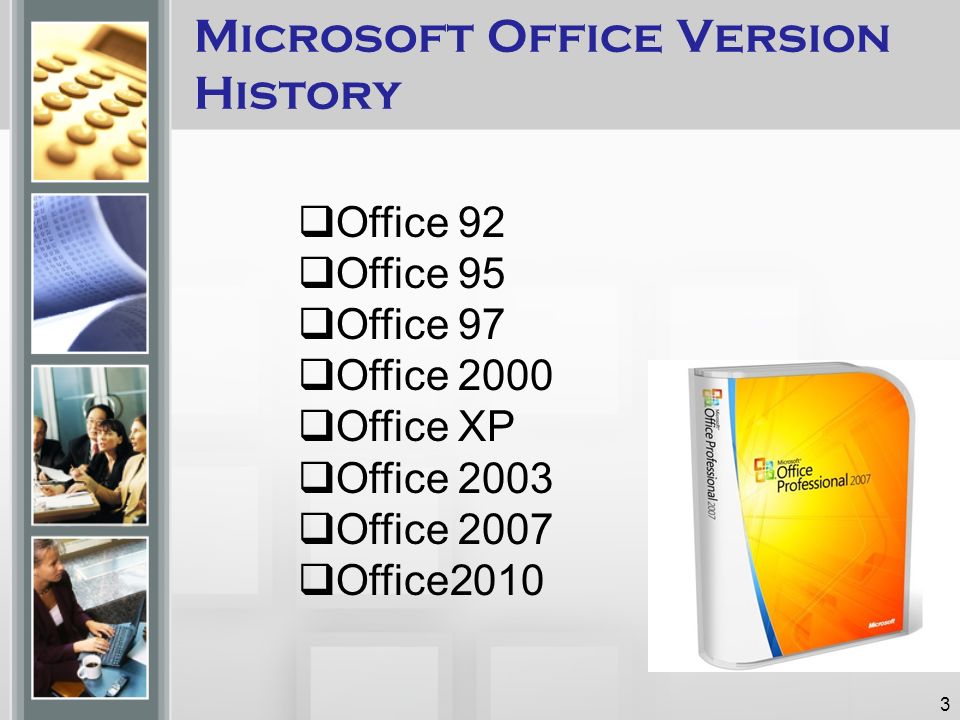
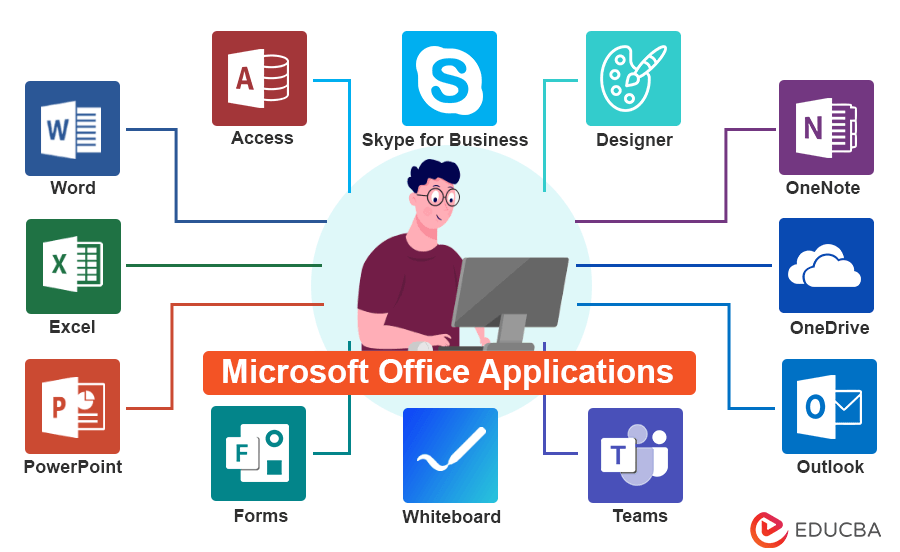
Microsoft Office was first introduced in 1989 for Mac and later released for Windows in 1990. It began as a bundle of three core programs: Word, Excel, and PowerPoint. Over time, Microsoft kept adding more applications like Outlook, Access, OneNote, and Publisher to support various business, academic, and personal productivity needs.
From CD-based installations to downloadable packages, and now cloud-based subscriptions via Microsoft 365, the suite has evolved significantly while maintaining its dominance in the productivity market.
Complete List of Microsoft Office Applications and Their Uses
🔵 Microsoft Word
Arguably the most well-known word processor globally. Word helps users create, edit, format, and share documents easily. Whether it’s a school essay, business report, or newsletter, Word offers:
- Rich text formatting
- Styles and themes
- Spell check and grammar correction
- Real-time collaboration
- Mail merge for sending mass personalized emails
🟢 Microsoft Excel
Excel is far more than just a spreadsheet tool. It’s a robust platform for data analysis, financial modeling, automation, and forecasting. Its key features include:
- Formulas and functions (like
VLOOKUP,IF,SUMIF) - Charts and graphs
- PivotTables and slicers
- Conditional formatting
- Power Query and Power Pivot
- Macros and VBA automation
🔴 Microsoft PowerPoint
PowerPoint is the go-to tool for presentations. Whether you’re pitching a startup or giving a lecture, PowerPoint helps you communicate visually with:
- Slide transitions and animations
- Templates and design suggestions
- Multimedia integration (videos, audio, charts)
- Presenter View and speaker notes
- Export options (PDF, video, etc.)
🟠 Microsoft Outlook
Outlook is more than just email — it’s a full productivity and communication hub. It manages:
- Emails and folders
- Calendars and meeting invites
- Contacts and distribution lists
- Tasks and reminders
- Integration with Teams and OneDrive

🟣 Microsoft OneNote
OneNote is a digital notebook that mimics the feel of real notebooks but with modern advantages:
- Organize notes into sections and pages
- Handwriting and drawing support
- Audio recording and embedding files
- Sync across devices for easy access
- Great for students, researchers, and team brainstorming
🟤 Microsoft Access
Used mostly in businesses, Access helps you create and manage databases with minimal programming knowledge. It supports:
- Custom tables, forms, and queries
- SQL-based reporting
- Integration with Excel and SharePoint
- Managing small to medium-sized databases
⚪ Microsoft Publisher
It also included in Microsoft Office tools :
Publisher focuses on layout and design for print materials. It’s ideal for:
- Brochures and flyers
- Business cards and labels
- Booklets and magazines
- Templates with drag-and-drop editing

Microsoft Office 365 vs. Office 2021 (Perpetual License)
| Feature | Microsoft 365 (Subscription) | Office 2021 (One-Time Purchase) |
|---|---|---|
| Updates | Regular feature updates | No feature updates |
| Cloud Storage | 1TB OneDrive included | Not included |
| Collaboration | Real-time collaboration | Limited |
| Devices | Works on multiple devices | One device only |
| Support | Ongoing support included | Limited support |
| Apps | Word, Excel, PowerPoint, etc. | Word, Excel, PowerPoint, etc. |
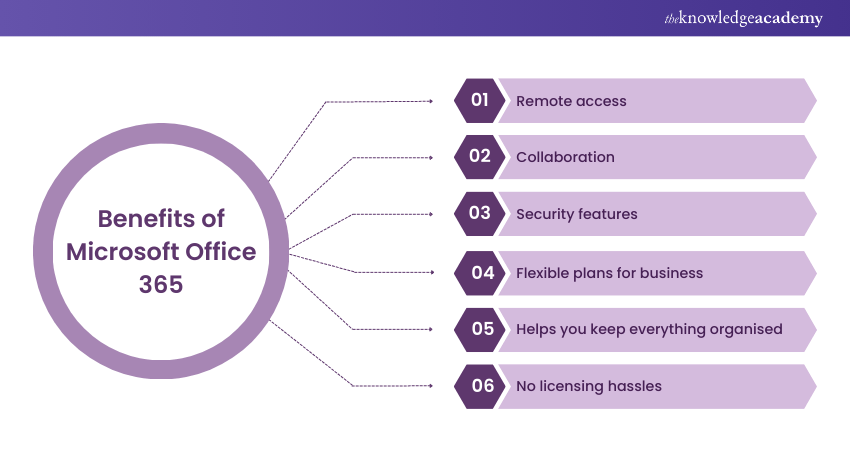
➡ Recommendation: Go for Microsoft 365 if you need frequent updates, teamwork features, and cloud access. Choose Office 2021 if you prefer a one-time payment and offline use.
Top Benefits of Using Microsoft Office
✅ Universal Compatibility
Microsoft Office files are industry standard. .docx, .xlsx, and .pptx formats are recognized and supported by almost all platforms.
✅ Productivity Boosting Tools
Features like Smart Lookup, “Tell Me” help box, and AI-based Designer (in PowerPoint) make everyday tasks smarter and quicker.
✅ Professional Templates
Get access to thousands of professionally designed templates — resumes, invoices, calendars, reports, and more.
✅ Accessibility Features
Office is built for all users. Features like Dictate, Immersive Reader, and Accessibility Checker ensure inclusive experiences for users with disabilities.
✅ Security and Compliance
Microsoft integrates advanced security with threat detection, password protection for documents, and secure cloud storage.
Microsoft Office for Different User Groups
📚 Students & Educators
- Word and OneNote for assignments
- PowerPoint for class presentations
- Outlook for academic communication
💼 Business Professionals
- Excel for data analytics and budgeting
- Outlook for scheduling and collaboration
- Teams integration for project management
🏠 Home & Personal Use
- Budget planning in Excel
- Letter writing in Word
- Creating invitations or cards in Publisher
📱 Microsoft Office on Mobile and Web
Modern users demand flexibility, and Microsoft delivers:
- Free web-based versions at office.com
- Mobile apps for Android and iOS with editing and syncing
- Seamless cloud sync via OneDrive
- Offline access and autosave
🚀 10 Productivity Tips for Microsoft Office Users
- Use Styles in Word for consistent formatting.
- Explore PivotTables in Excel to summarize large data sets.
- Use “Design Ideas” in PowerPoint for visually stunning slides.
- Schedule emails in Outlook to send later.
- Use OneNote tags to organize important notes.
- Customize the Quick Access Toolbar for frequently used actions.
- Record a presentation in PowerPoint with narration.
- Link Excel sheets to Word documents for live updates.
- Use Focused Inbox in Outlook to separate important emails.
- Leverage keyboard shortcuts (
Ctrl + S,Ctrl + Z,Alt + Tab) for speed.
📊 Microsoft Office vs. Google Workspace: Which Is Better?
| Feature | Microsoft Office | Google Workspace |
|---|---|---|
| Offline Access | Full offline functionality | Limited offline features |
| Advanced Features | Strong (Excel macros, Word referencing) | Basic |
| File Formats | Native support for .docx, .xlsx | Converts to Google format |
| Cloud Collaboration | Excellent with OneDrive & Teams | Excellent with Google Drive |
| Price | Subscription or one-time | Subscription only |

Verdict: Choose Microsoft Office for advanced features, formatting, and professional tools. Google Workspace is ideal for basic collaboration and lightweight tasks.
🎯Conclusion: Why Microsoft Office Still Rules the Productivity World
Despite dozens of alternatives, Microsoft Office remains unmatched in its balance of power, flexibility, and reliability. It’s a comprehensive solution for individuals, schools, businesses, and even governments. With Office, you’re not just buying software — you’re investing in a productivity ecosystem that has stood the test of time.